Download the official Windows App here
Dr Strange MCh Windows App Now Available – Learn on a Bigger Screen
Dear Learners,
We are pleased to announce that the Dr Strange MCh Windows App is now available. The app is designed to help you access your enrolled surgical courses comfortably on a larger laptop or desktop screen, supporting a more focused learning experience with reduced eye strain.
Download the official Windows App here:
https://cdn-cp-assets-public.classplus.co/CampaignManager/fa34aa90-6c13-11f1-98aa-8b58e5b15219.exe
Your existing subscription and all enrolled courses will remain available on the Windows App. Simply log in using the same registered mobile number/account—no separate purchase is required.
Important installation notes
As this is a newly launched application, Windows Defender may display a message such as “W
📢 Dr Strange MCh Windows App is Now Available!
Learn your enrolled surgical courses on a larger laptop or desktop screen for a more comfortable and focused learning experience.
🔗 Download the official Windows App:
https://bit.ly/44nsvy8
✅ Your existing subscription and enrolled courses will continue on the app. Simply log in with the same registered mobile number—no separate purchase required.
⚠️ During installation, Windows Defender may show “Windows protected your PC.” After confirming you downloaded it from the official link, click:
More info → Run anyway
For smooth functioning and content protection, please disable Xbox Game Bar / Game DVR / screen-recording features if prompted.
🎥 Help video to disable DVR/Game Bar:
https://www.youtube.com/watch?v=XLAEq_sWt64&ab_channel=WindowsReport
Learn better. See more. Grow stronger.
Dr Strange MCh Team
Structured Surgical Learning.
Anywhere, Anytime
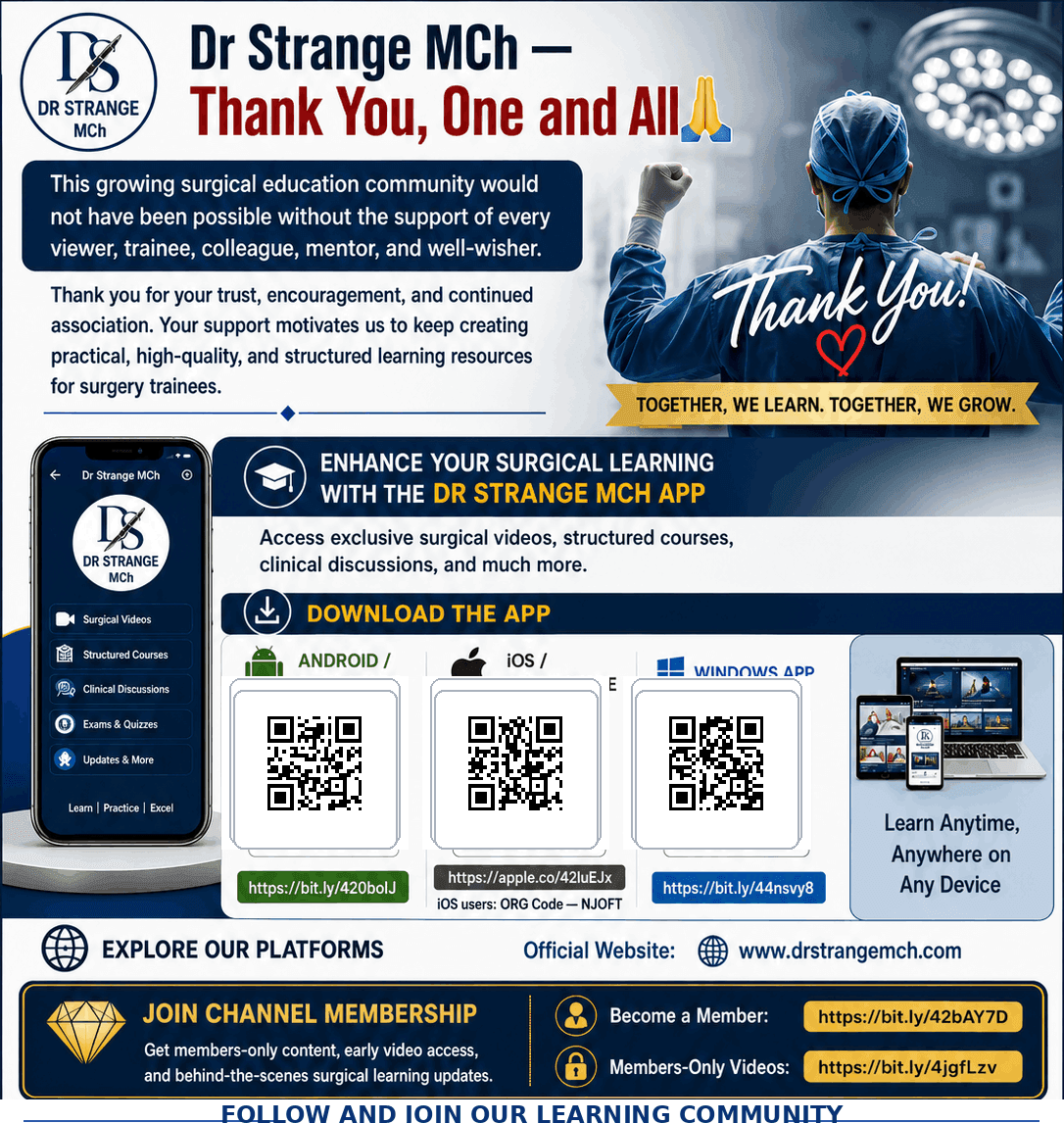
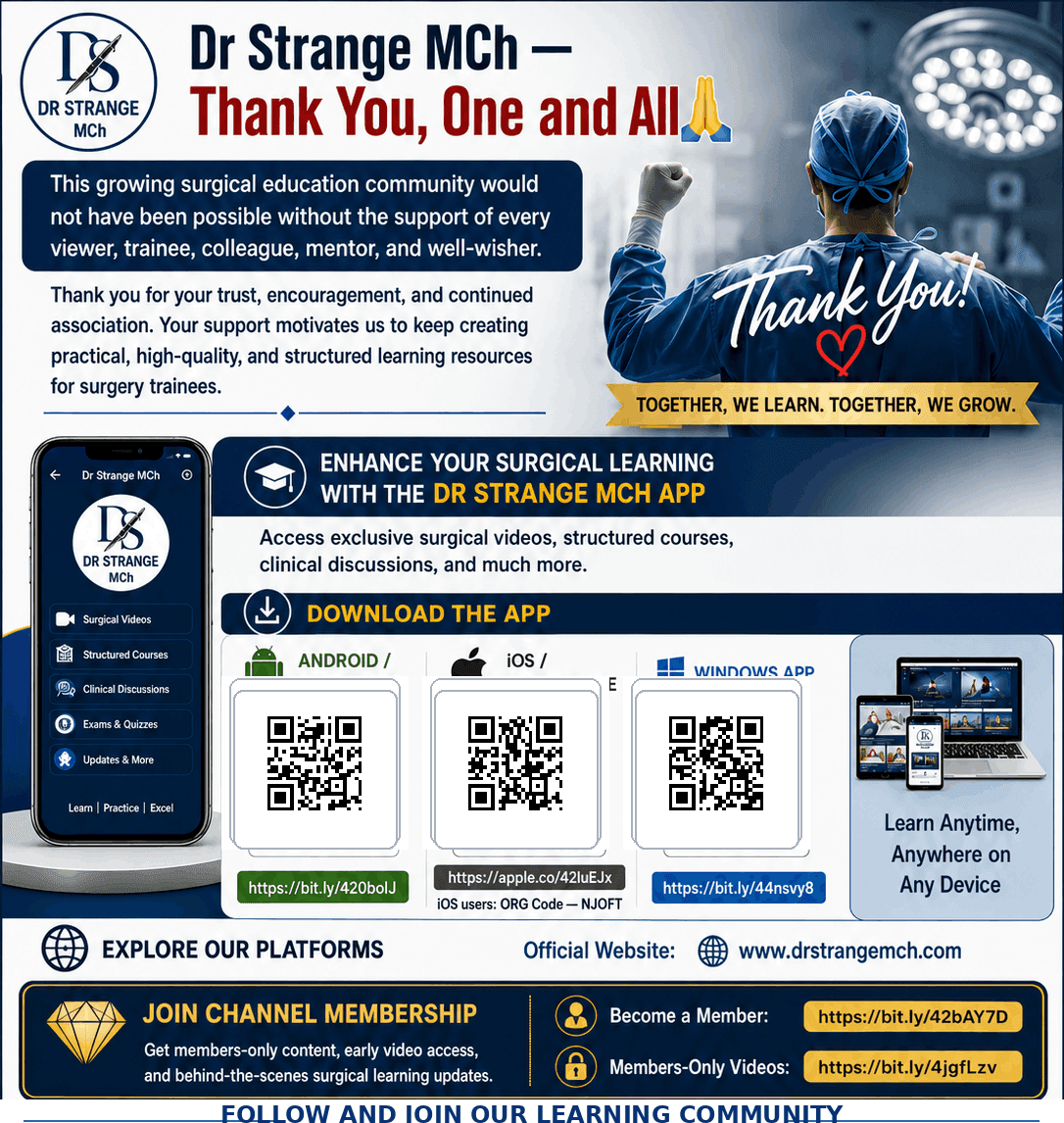
Access operative videos, structured surgical courses, clinical discussions, study material, and exclusive learning resources through the Dr Strange MCh App.
Available on Android, iOS, web, and Windows desktop.
Dr Strange MCh App for iOS
Access structured surgical courses, operative videos, clinical discussions, study material, and exclusive learning resources on your iPhone or iPad.
For iOS access, download the app and use ORG Code: NJOFT.
Download the official Windows App here
Dr Strange MCh Windows App Now Available – Learn on a Bigger Screen
Dear Learners,
We are pleased to announce that the Dr Strange MCh Windows App is now available. The app is designed to help you access your enrolled surgical courses comfortably on a larger laptop or desktop screen, supporting a more focused learning experience with reduced eye strain.
Download the official Windows App here:
https://cdn-cp-assets-public.classplus.co/CampaignManager/fa34aa90-6c13-11f1-98aa-8b58e5b15219.exe
Your existing subscription and all enrolled courses will remain available on the Windows App. Simply log in using the same registered mobile number/account—no separate purchase is required.
Important installation notes
As this is a newly launched application, Windows Defender may display a message such as “W
📢 Dr Strange MCh Windows App is Now Available!
Learn your enrolled surgical courses on a larger laptop or desktop screen for a more comfortable and focused learning experience.
🔗 Download the official Windows App:
https://bit.ly/44nsvy8
✅ Your existing subscription and enrolled courses will continue on the app. Simply log in with the same registered mobile number—no separate purchase required.
⚠️ During installation, Windows Defender may show “Windows protected your PC.” After confirming you downloaded it from the official link, click:
More info → Run anyway
For smooth functioning and content protection, please disable Xbox Game Bar / Game DVR / screen-recording features if prompted.
🎥 Help video to disable DVR/Game Bar:
https://www.youtube.com/watch?v=XLAEq_sWt64&ab_channel=WindowsReport
Learn better. See more. Grow stronger.
Dr Strange MCh Team
Structured Surgical Learning.
Anywhere, Anytime
Access operative videos, structured surgical courses, clinical discussions, study material, and exclusive learning resources through the Dr Strange MCh App.
Available on Android, iOS, web, and Windows desktop.
Dr Strange MCh App for iOS
Access structured surgical courses, operative videos, clinical discussions, study material, and exclusive learning resources on your iPhone or iPad.
For iOS access, download the app and use ORG Code: NJOFT.
Download the official Windows App here
Dr Strange MCh Windows App Now Available – Learn on a Bigger Screen
Dear Learners,
We are pleased to announce that the Dr Strange MCh Windows App is now available. The app is designed to help you access your enrolled surgical courses comfortably on a larger laptop or desktop screen, supporting a more focused learning experience with reduced eye strain.
Download the official Windows App here:
https://cdn-cp-assets-public.classplus.co/CampaignManager/fa34aa90-6c13-11f1-98aa-8b58e5b15219.exe
Your existing subscription and all enrolled courses will remain available on the Windows App. Simply log in using the same registered mobile number/account—no separate purchase is required.
Important installation notes
As this is a newly launched application, Windows Defender may display a message such as “W
📢 Dr Strange MCh Windows App is Now Available!
Learn your enrolled surgical courses on a larger laptop or desktop screen for a more comfortable and focused learning experience.
🔗 Download the official Windows App:
https://bit.ly/44nsvy8
✅ Your existing subscription and enrolled courses will continue on the app. Simply log in with the same registered mobile number—no separate purchase required.
⚠️ During installation, Windows Defender may show “Windows protected your PC.” After confirming you downloaded it from the official link, click:
More info → Run anyway
For smooth functioning and content protection, please disable Xbox Game Bar / Game DVR / screen-recording features if prompted.
🎥 Help video to disable DVR/Game Bar:
https://www.youtube.com/watch?v=XLAEq_sWt64&ab_channel=WindowsReport
Learn better. See more. Grow stronger.
Dr Strange MCh Team